
DIM Destiny 2: What Still Works After the Final Update
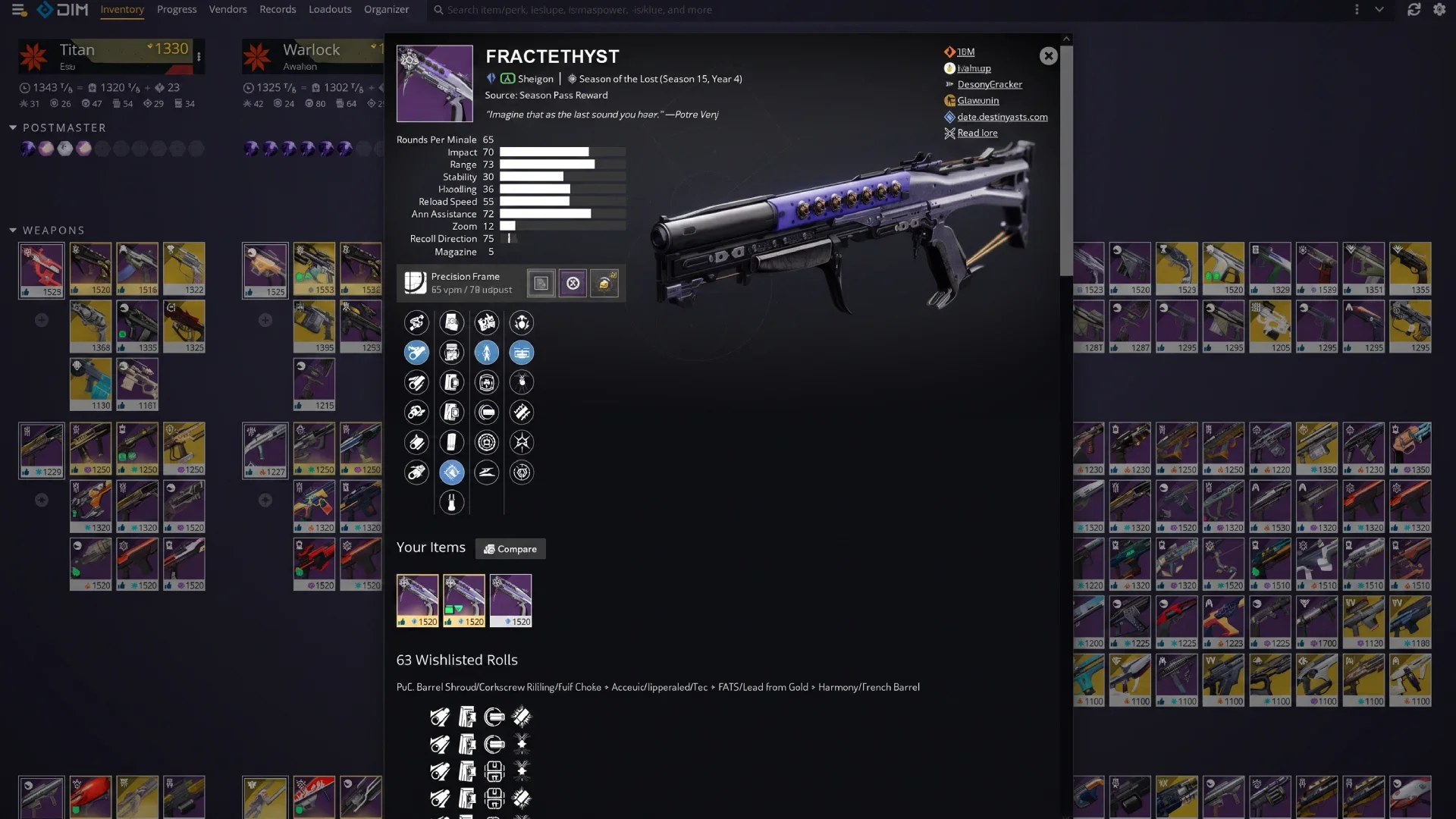
DIM Destiny 2
Your vault holds 1,000 items and the in-game menus were never built to sort that many. Every minute spent flying to the Tower to shuffle gear is a minute not spent playing. DIM in Destiny 2 solves that, but most guides you will find were written years and several system overhauls ago. Here is what actually works right now.
What DIM is, and whether it still works
Destiny Item Manager is a free, open-source web app that reads your Destiny account through Bungie's API and lets you move gear, build loadouts, and search your inventory from a browser or phone. It runs on the same services the official Destiny Companion app uses, which is why it can move and equip items while you are in an activity.
The obvious question in 2026 is whether any of this still functions. Bungie ended active development on Destiny 2 with Update 9.7.0 on June 9, 2026, followed by a final hotfix on July 7. Servers stay online and the game remains playable, but no new content is coming.
That announcement does not affect DIM directly. DIM depends on the Bungie API, which is still running, and the project itself is still being worked on. Its public repository logged new development activity in the first week of August 2026. Nobody has announced an end date for either the API or DIM, and nobody has committed to keeping them running forever either, so treat both as working today rather than guaranteed indefinitely.
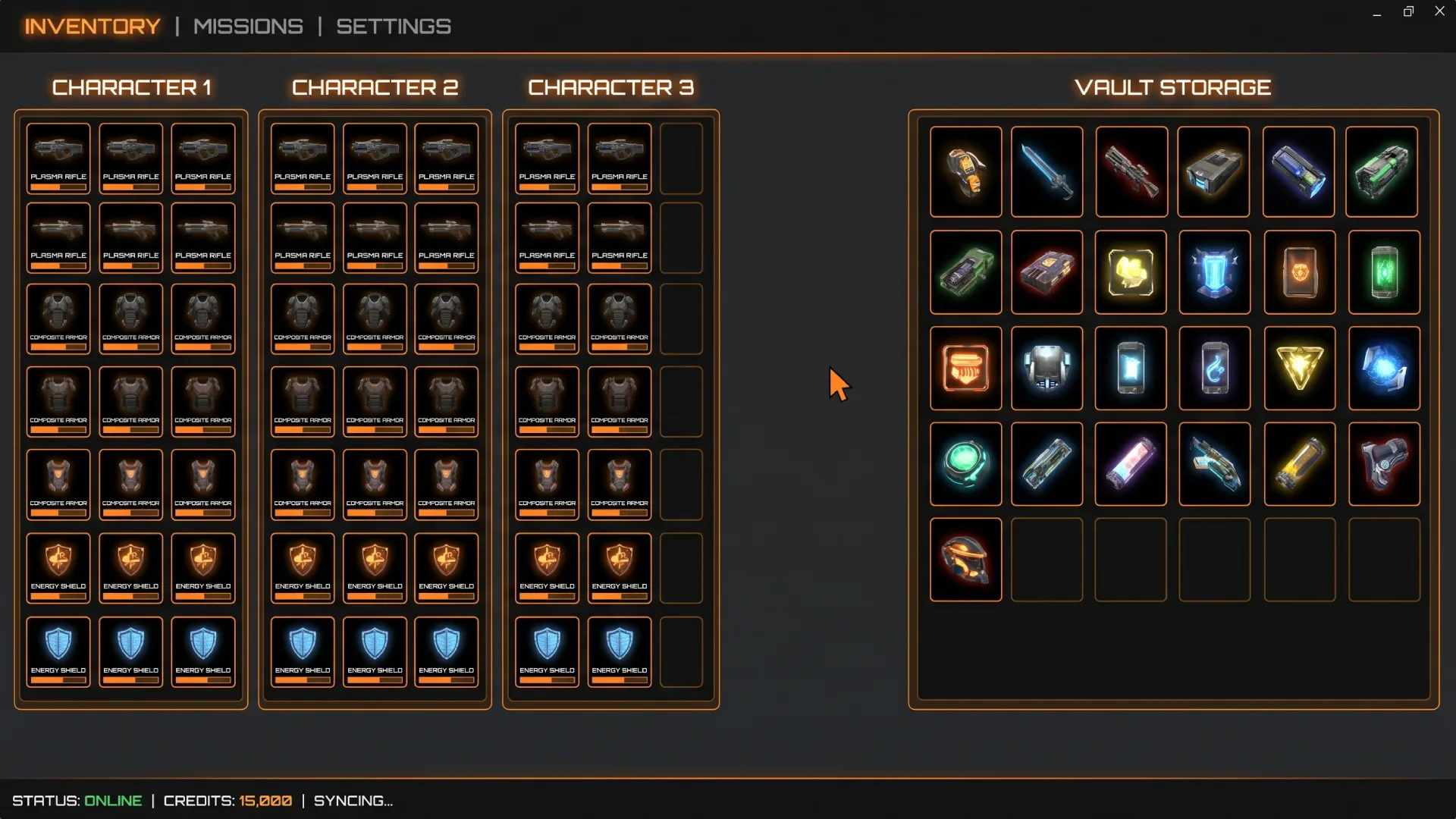
DIM interface
Set up DIM the right way
Three steps, and the third one is the one most people skip.
Authorize DIM with your Bungie.net account
Open the app and sign in through Bungie.net. DIM asks for permission to read your inventory and move items on your behalf. If you land on a blank or black screen after logging in, the usual cause is a privacy setting on your Bungie profile rather than a broken app. Check that your Destiny inventory is set to public in your Bungie.net account privacy settings, then reload.
Install DIM as an app
DIM is a progressive web app, which means it can be installed for an app-like experience from browsers that support PWAs, including Chrome, Edge, and Safari. Use the menu button in the top left and look for the install option. Installing from the browser is generally more reliable than the app store builds, and it is what DIM's own troubleshooting steps point you toward when the store version misbehaves.
Turn on DIM Sync first
DIM Sync backs up your tags, loadouts, notes, and settings to DIM's own servers and syncs them across devices. Without it, all of that lives only in your browser storage, and DIM's documentation is blunt about the consequence: your data will get lost at some point when the browser decides to empty storage or you clear browsing history.
Turn it on before you spend hours tagging gear, not after. One thing to know going in: turning on DIM Sync does not automatically import your existing local data, so if you already have tags and loadouts saved locally, import the backup file DIM generates.
Move gear without flying to the Tower
This is the feature that made DIM essential. Drag any item from your vault or another character straight onto the character you are playing, and it arrives without a loading screen.
The one hard limit is that you cannot swap gear you currently have equipped while inside an activity. Unequip it first, then move it.
A few habits that save real time:
Drag onto a character's name plate to transfer without equipping
Pull items out of the Postmaster before it fills up and starts dropping loot
Turn on Farming Mode while grinding an activity. It watches for new drops and moves them to the vault when you are short on space, keeping one slot of each type free so rewards never bounce to the Postmaster
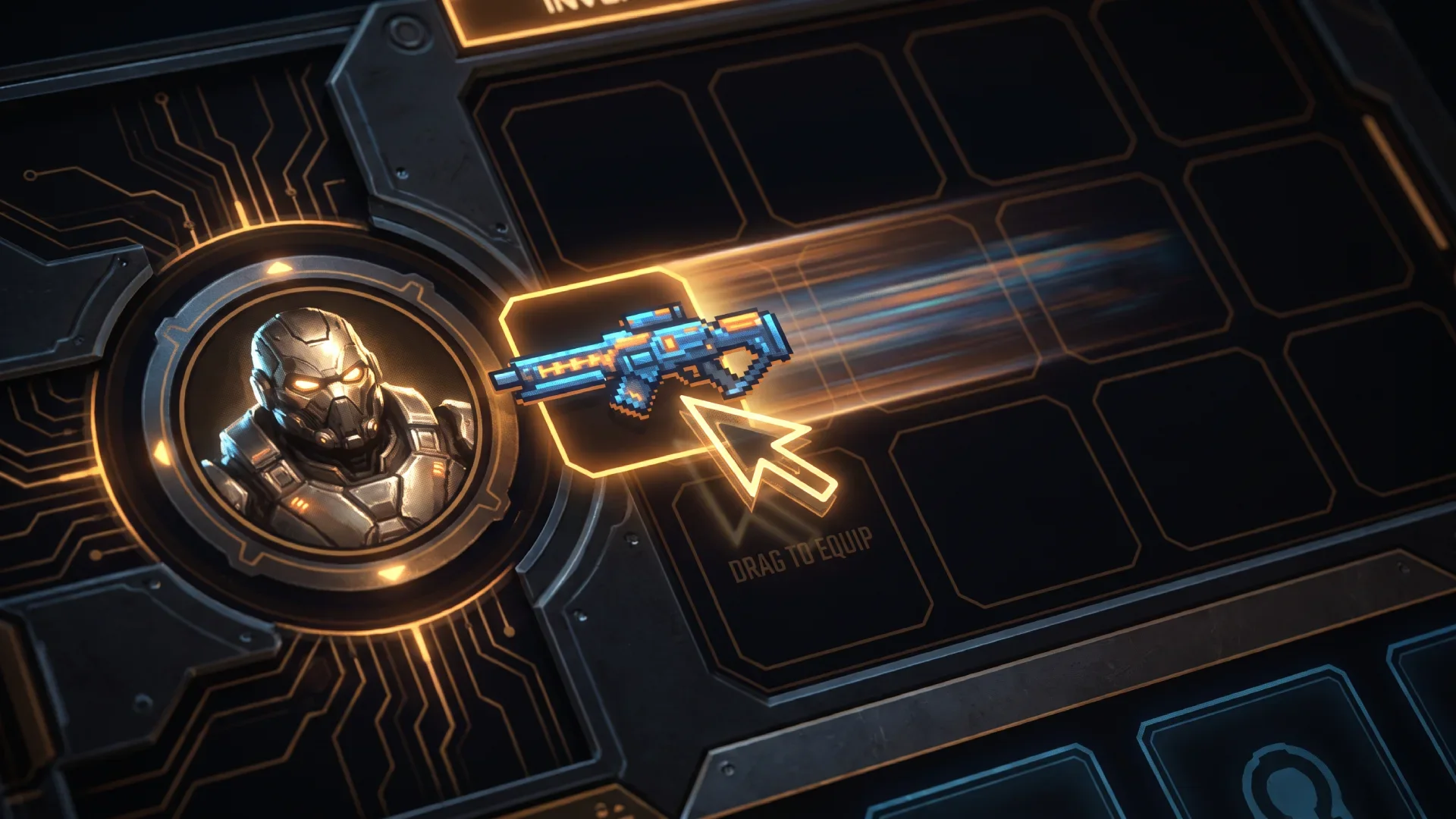
Vault transfer
Build loadouts you can apply in one click
A loadout is a saved set of gear, mods, and subclass configuration. Apply it and DIM pulls every piece from wherever it currently sits, equips it, and applies your mods.
Mods work differently than people expect. DIM stores mod information separately from the armor itself and only assigns mods when you apply the loadout, so you need to include every mod you want in the loadout for DIM to know how to assign them.
You can also share a build. The share link does not hand someone your exact gear, it passes along the settings and mod choices so they can build their own version from their own inventory.
Use Loadout Optimizer under Armor 3.0
Loadout Optimizer takes every armor piece you own and finds the combination that best hits the stats you want. This is the section where old guides will actively mislead you, because Armor 3.0 arrived with The Edge of Fate and changed how stats work.
Under the old system, only stat tiers mattered, so a 51 and a 59 in the same stat gave identical results and the whole game was about not wasting points. Guides written before mid-2025 are built entirely around that logic. Armor 3.0 replaced it, and DIM's optimizer now works on minimum and maximum stat values you set directly rather than tier dropdowns.
The masterwork assumption changed too. DIM can simulate masterwork bonuses so you can compare armor fairly, and those bonuses differ by armor generation: +2 in each stat for Armor 2.0, and +5 in the three lowest stats for Armor 3.0. If you are eyeballing whether a piece is worth keeping, that difference matters.
DIM's own recommended workflow is short:
Drag the stats on the left into the order you care about
Uncheck any stat you do not want optimized
Select your exotic, or force no exotic
Add every non-stat mod you plan to use, since the optimizer works best when it can factor all of them into its stat and energy calculations
Set your subclass, which folds fragment bonuses and penalties into the math
Narrow the pool further with a search term
One detail worth knowing: DIM always assumes you are willing to upgrade armor to at least energy level 9, because that does not cost Ascendant Shards.
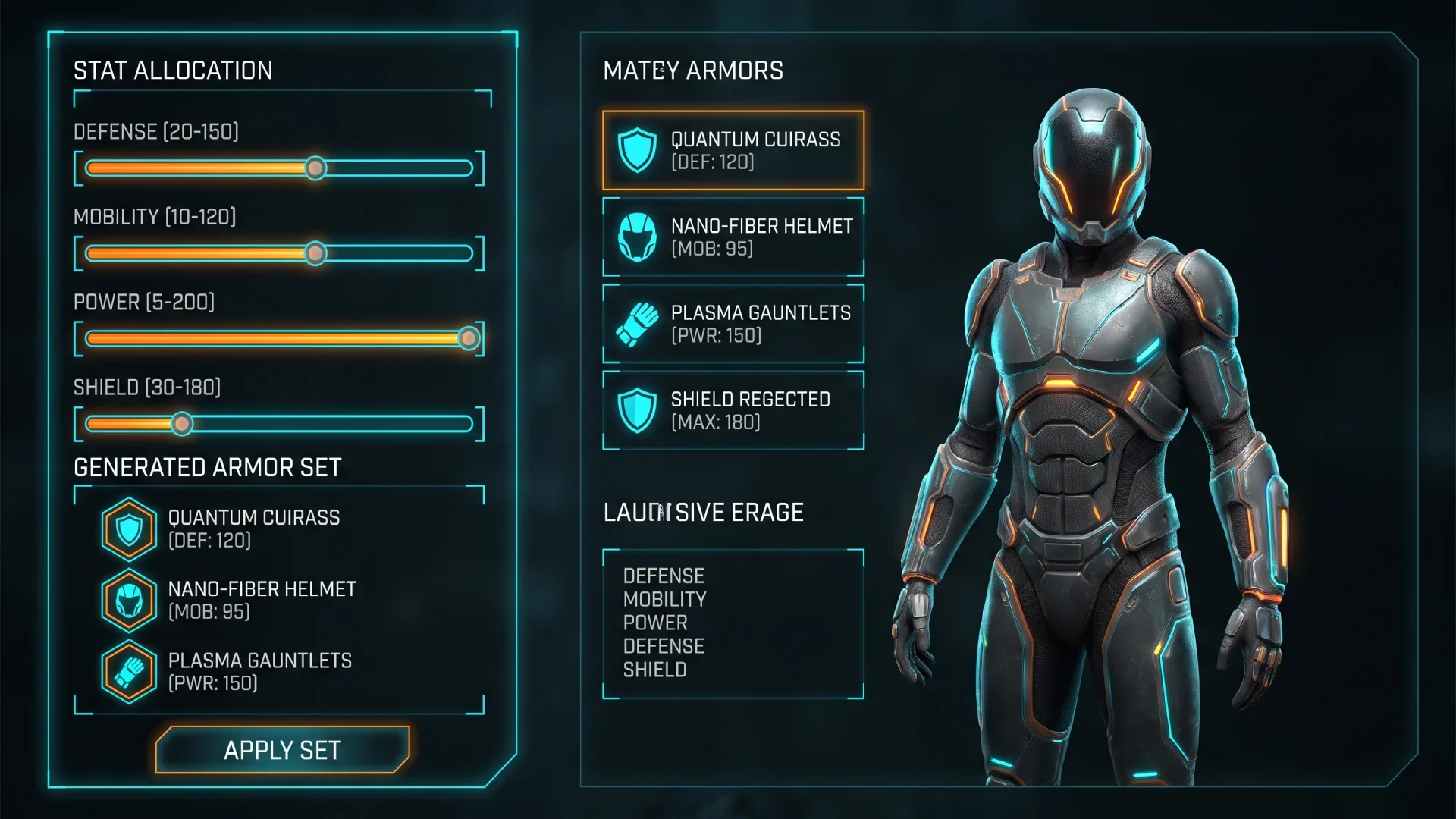
Loadout optimizer
Search filters that do the real work
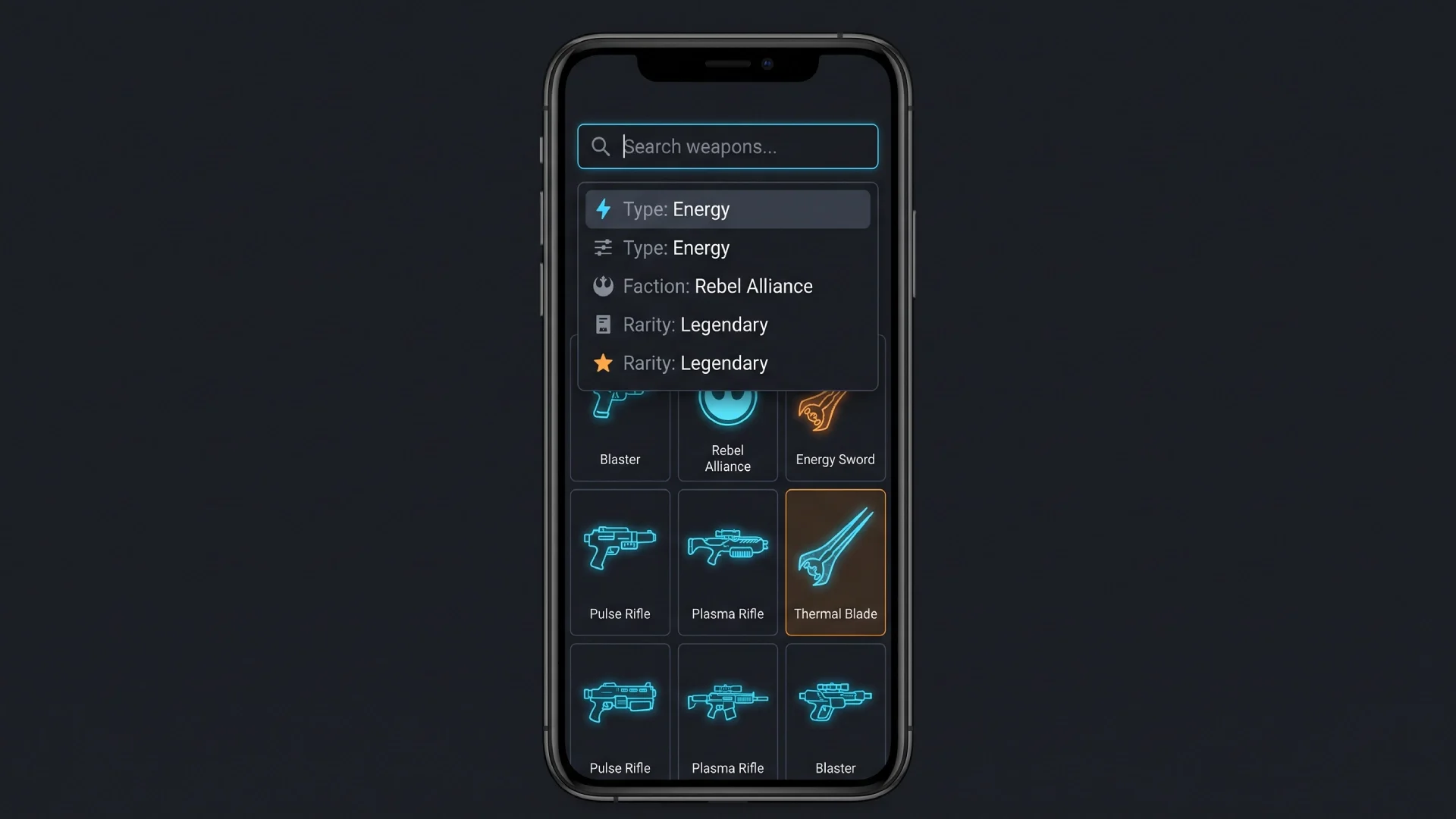
The search bar accepts structured queries, and it works on the Organizer, Vendors, Records, and Loadout Optimizer pages too, not just your inventory. Click the search bar and choose "Filters Help" for the complete searchable list.
A handful of queries handle most vault cleaning:
is:statlower: armor where another piece you own is better or equal in every stat and better in at least one
-is:inloadout: anything not currently used in a saved loadout
tag:junk: everything you have already marked as junk, ready to bulk transfer
is:dupe: duplicate copies of the same item
is:crafted: crafted weapons, handy when auditing what you can simply recraft later
You can also save a query with a leading comment and DIM will show it by that name instead of the raw syntax. Writing /* vault cleanup */ at the front of a query makes it findable later by typing "cleanup" rather than remembering the filter string.
Combine filters freely. Prefixing any term with a minus sign excludes it instead.
The tabs most guides never mention
DIM is far larger than its inventory screen, and this is where most competing guides stop. Worth exploring:
Organizer: a sortable table view of your gear, best for bulk decisions
Progress: quests, bounties, challenges, and seasonal progress in one place
Vendors: every vendor's current inventory, searchable with the same filters
Records: triumphs, collections, and craftable weapon patterns
Compare: side-by-side stat comparison across similar items
Armory: full detail on any weapon, including every perk it can roll
Item Feed: a running list of new drops so nothing slips past unnoticed
Wish Lists: community-curated god rolls that mark matching drops with a thumbs up
Infusion Fuel Finder: finds the cheapest item to infuse into a piece you want to level
Loadout Analysis: checks existing loadouts and offers to rebuild them with better gear
Randomize Loadout: exactly what it sounds like, and genuinely fun for a change of pace
What DIM cannot do
Two limits catch people out.
DIM cannot dismantle anything. This is stated plainly in the project's own documentation: DIM will not be able to dismantle any of your items. The workaround is to tag junk, bulk transfer it to your active character, and dismantle in game.
DIM also cannot pull bounties or interact with vendors beyond showing you their stock. Buying and claiming still happens in game.
Search filters
Fix DIM when it stops working
Most "DIM is broken" moments are not DIM. Work through these in order, which is roughly the sequence DIM's maintainers recommend:
Test the official Companion app first. If your inventory fails to load there too, the problem is on Bungie's end and no third-party app will work until it is resolved.
Check your DIM version. Open "About DIM" and confirm you are on a build less than a week old.
Update your browser or mobile OS. DIM only supports recent iOS versions, and some Android devices ship with outdated default browsers.
Switch between the main and beta versions. If one works and the other does not, that build has a bug worth reporting.
Log out and back in if you see a Bungie.net error message.
Check for blockers. Ad blockers, firewalls, antivirus, and network filters can all block the domains DIM needs.
Force reload with Ctrl+F5 on Windows or Cmd+Shift+R on Mac.
Try a different browser. Samsung Internet in particular causes display problems, including everything rendering dark when you have not chosen a dark theme.
Restart the computer. It genuinely resolves a share of cases.
Two specific symptoms have specific causes. Drag and drop failing on Windows usually traces back to mouse driver software such as Logitech G Hub or Razer utilities. "Aw, Snap" errors mean Chrome ran out of memory, and devices with under 4GB of RAM may not be able to run DIM at all.
Clearing site data is the last resort, and only with a backup in hand, because it wipes local data if DIM Sync is off.
Protect your DIM data
Your tags, notes, and loadouts represent hours of work. Two things keep them safe.
Use Download Data Backup in the settings menu to save a copy of your data as a file. If anything goes missing, Import Data Backup restores it.
Also note that unlinking your Bungie.net account and linking a different one cuts off access to everything saved in DIM Sync. Back up first if you are changing accounts, and DIM's Discord can restore access manually if you have already done it.
Given that Destiny 2 is no longer in active development, keeping a local backup is more sensible now than it was a year ago. It costs one click.
Key takeaways
DIM still works and is still being developed, though neither it nor the Bungie API has a guaranteed lifespan now that Destiny 2 has stopped receiving content updates
Vault capacity is 1,000 items, not the 600 or 700 figures still quoted across older guides
Turn on DIM Sync before you invest time in tags and loadouts, or browser storage will eventually erase them
Armor 3.0 removed stat tiers, so any optimizer advice built around tier breakpoints is obsolete
Include every mod you plan to use when building a loadout, since DIM assigns mods only at the moment you apply it
DIM cannot dismantle gear, so tag junk, transfer it in bulk, and dismantle in game
When DIM breaks, check the official Companion app first to tell a Bungie outage apart from a DIM problem
Frequently asked questions
Is DIM safe to use?
Yes. DIM is open source under an MIT license, authenticates through Bungie's official OAuth flow, and never sees your platform password. It uses the same API endpoints the official Companion app uses, and Bungie permits third-party apps to move and equip items through it.
Does DIM still work now that Destiny 2 has stopped getting updates?
Yes. Destiny 2 servers remain online after the final content update in June 2026, the Bungie API is still running, and DIM's development activity continued into August 2026. No end date has been announced for either.
Why is my DIM screen blank after logging in?
The most common cause is your Bungie.net privacy settings blocking inventory access. Go to your Bungie profile settings, open account settings, find privacy, and make sure Destiny inventory is enabled. Reload DIM afterward.
Can DIM delete or dismantle my items?
No. DIM cannot dismantle anything, which is a deliberate limit on what the API allows third-party apps to do. You can tag items as junk in DIM and bulk transfer them to your character, then dismantle them in game.
How much vault space does Destiny 2 have?
The vault holds 1,000 items per account. Bungie raised it from 700 with the Renegades expansion and also added a revamped filtering system. Older guides quoting 500, 600, or 700 slots are out of date.
Is DIM better than the official Destiny Companion app?
For inventory work, most players find DIM faster. It offers structured search, saved queries, bulk actions, wish lists, and Loadout Optimizer, none of which the Companion app has. The Companion app remains useful for bounties and for checking whether an outage is Bungie's fault.
Does DIM work on mobile?
Yes. DIM runs in any modern mobile browser and can be installed as a progressive web app for an app-like experience. Installing from the browser is usually more reliable than app store versions.
What does DIM Sync actually do?
It backs up your tags, loadouts, notes, and settings to DIM's servers and syncs them between devices and between the main and beta versions. Without it, that data sits in local browser storage and will eventually be cleared.
How do I find bad armor to delete in DIM?
Search is:statlower. It surfaces armor where another piece you own is better or equal in every stat and strictly better in at least one, which makes those pieces safe to dismantle unless you want their mod slots or intrinsic perks.
Why is Loadout Optimizer so slow?
It evaluates a very large number of armor combinations, and the count grows quickly with vault size. Narrowing the pool with a search term, pinning pieces you know you want, or excluding armor with -is:inloadout all cut the work substantially.
Do I need to pay for DIM?
No. DIM is free and funded by donations through OpenCollective. There is no paid tier and no feature is locked behind payment.
Sources
Destiny Item Manager official site
Bungie's Renegades content calendar confirming 1,000 vault slots